iPhone GPS timestamp camera · iOS 17+
Proof, on every photo.
SnapProof burns GPS, time, and address into every shot at the moment of capture. When a client says you didn't do the work, the photo settles it.
5 photos free · no account · works offline · nothing leaves the iPhone
What the app does, measured
It's evidence, not just a photo.
GPS precision
±3m
Typical accuracy in open sky, ±10m in dense cities. CoreLocation kCLLocationAccuracyBest.
Capture speed
<200ms
Tap to saved photo with stamp burned in, measured on iPhone 14.
Cloud upload
0KB
No backend, no analytics SDK. The app talks to CoreLocation and Photos only.
Five layouts.
One tap to switch.
Same shot, five stamp styles. Switch templates per shot without leaving the camera.

Why on-device matters.
Most "stamp camera" apps phone home. They upload your photos to compress them, run analytics, or sell the metadata. That works for selfies. It doesn't work for evidence.
Photos taken for work are sensitive. They show locations, faces, license plates, document text. They have legal weight. The chain of custody starts the moment the shutter fires — and SnapProof keeps it inside the iPhone.
- No backend, no analytics SDK, no third-party tracker
- The app talks to CoreLocation and Photos. Nothing else
- If a cloud breach hits an evidence-camera company, your photos aren't part of it

Three taps from proof.

1.Open
Launch straight to camera. GPS lock indicator turns green when ready.

2.Capture
Tap once. Timestamp, GPS, and address stamped instantly.

3.Share
Send the stamped photo directly from your gallery.
Any job where "I was there" matters.
Field workers, contractors, drivers, inspectors, adjusters. Work where a photo without a timestamp is half the story.

Construction documentation
Site progress, safety compliance, defect reports. Stamped photos hold up in disputes.
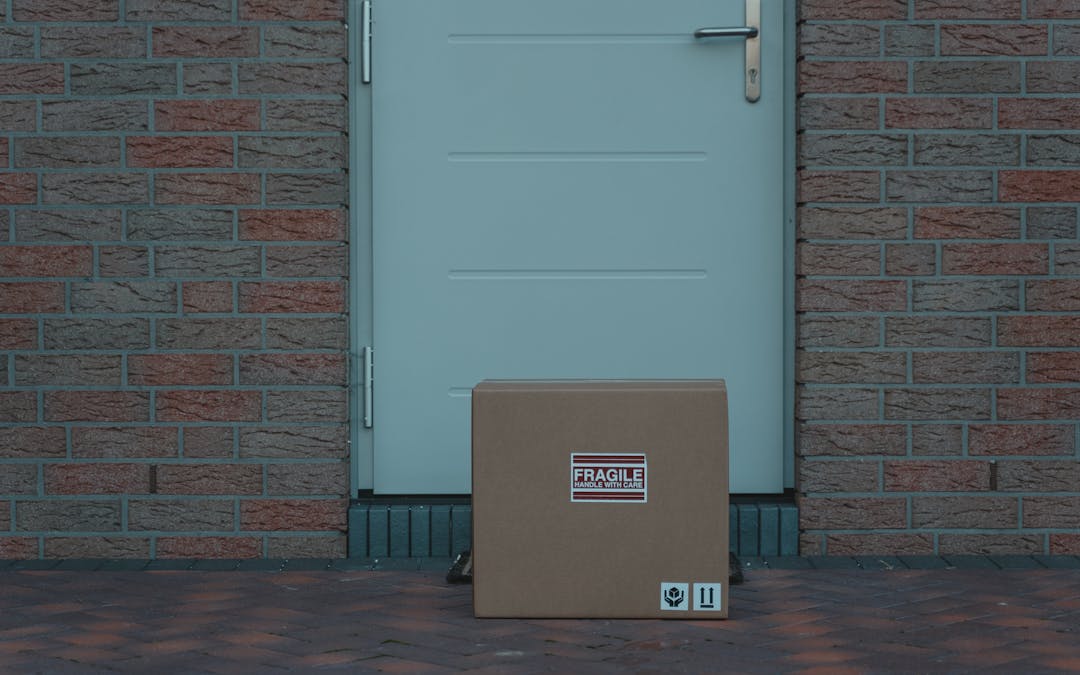
Proof of delivery
Doorstep photo with timestamp and GPS. End the "I never received it" debate before it starts.
Inspection reports
Property condition, vehicle damage, equipment check. Timestamped evidence for clients and insurers.
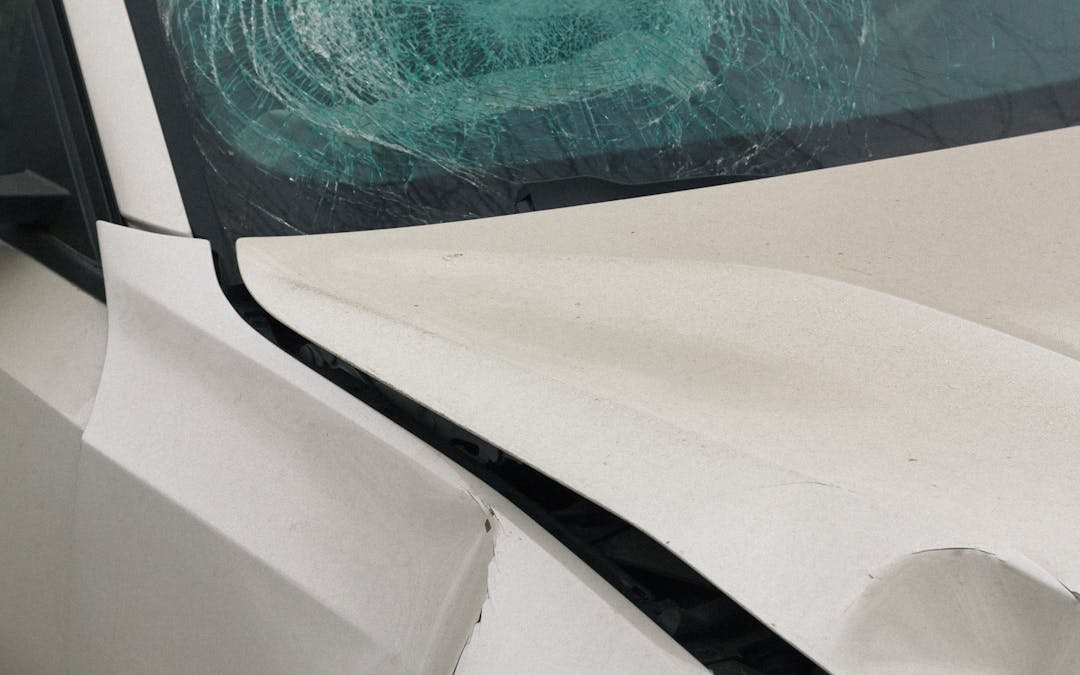
Insurance claims
Accident scene, property damage, theft. EXIF plus visible stamp speeds claim acceptance.
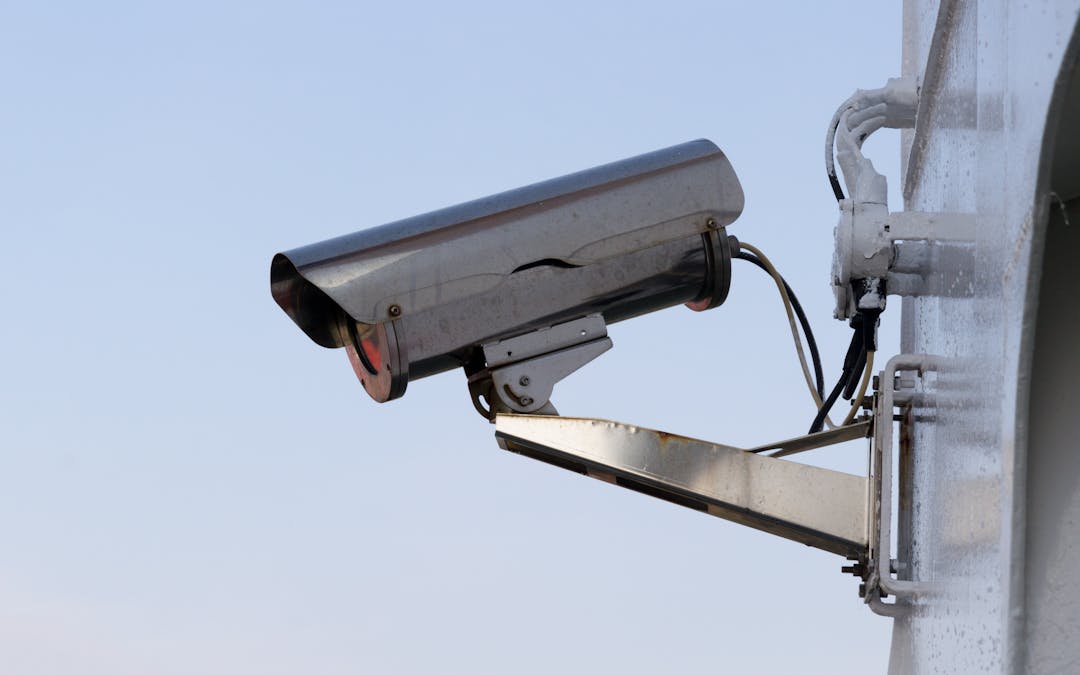
Court evidence
Patrol logs, harassment documentation, contract enforcement. Chain of custody preserved on-device.

Real estate documentation
Property condition before and after tenants. Listings with verifiable shoot date.
Honest read against the two apps people search for next to ours.
Plus the default iOS Camera as baseline. Data from competitor App Store listings and public docs, May 2026.
| Feature | SnapProof | Timemark | Solocator | iOS Camera |
|---|---|---|---|---|
| GPS burned into photo pixel | Yes | Yes | Yes | No |
| EXIF metadata preserved | Yes | Partial | Yes | Yes |
| 5 stamp templates | Yes | 2 only | 3 only | 0 |
| Reverse-geocoded address | Yes | Yes | Yes | No |
| Works offline | Yes | Partial | Yes | Yes |
| No cloud upload | Yes | No | No | Yes |
| No account required | Yes | No | No | Yes |
| Lifetime purchase | $49.99 | No | No | N/A |
Pay if you want unlimited.
Don't if you don't.
Free
5 stamped photos. All 5 templates. Full GPS + EXIF.
$0
forever · no card
Annual Recommended
Unlimited photos. All current and future templates. 7-day free trial.
$14.99 / year
$1.25 / month
Lifetime
Own it. No renewals. Pays for itself in ~3.3 years.
$49.99 once
forever access

What field pros ask.
Can I add a timestamp to iPhone photos after the fact?
How do I add GPS coordinates to my photos?
Is the app free to start?
What is the best timestamp camera app for iPhone?
How accurate is the GPS?
Does it work without internet?
Are the stamped photos tamper-proof?
Can I use it for court evidence?
Does it drain battery faster than other cameras?
Is there an Android version?
Guides for stamping work.
- SnapProof vs Timemark vs Solocator: GPS timestamp camera apps compared Mar 15, 2026 Read →
- Are photos admissible in court? What makes photo evidence legal Mar 25, 2026 Read →
- Construction photo documentation: the complete guide for contractors Mar 25, 2026 Read →
- How to prove when and where a photo was taken Mar 15, 2026 Read →
- CompanyCam alternatives for solo contractors Jun 10, 2026 Read →
Photos should prove
what happened.
Get SnapProof. 5 photos free. No card, no account. iPhone, iOS 17 or later.
Scan to install on iPhone.